
Businesses rarely struggle because they have too few software options. The bigger problem is choosing the right tools for the actual work. 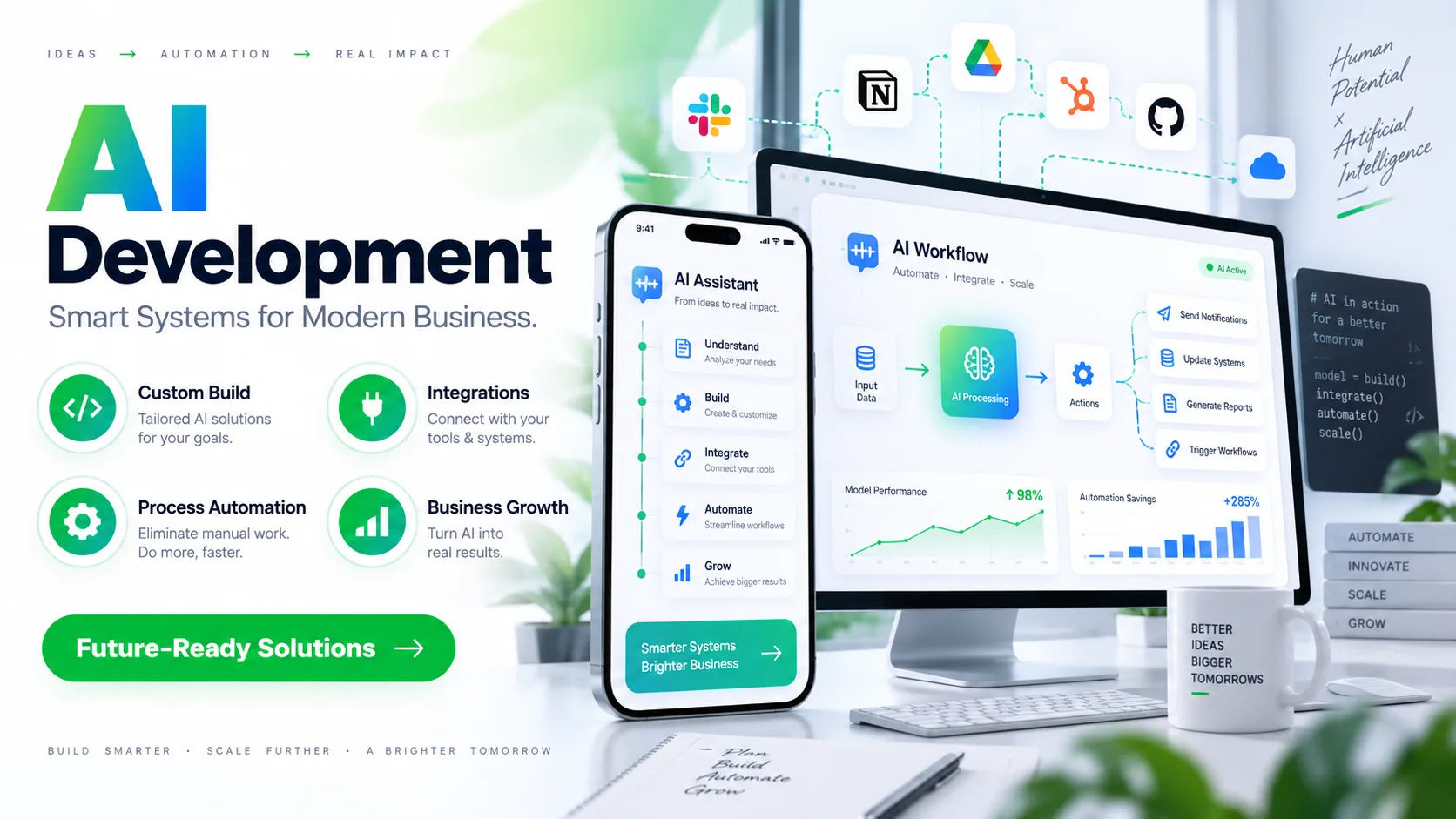 There are thousands of automation platforms, AI services, databases, communication systems, analytics products, and integration tools available. Choosing between them requires more than knowing what is popular.
An ai automation consultant looks at the business process first and the available technology second. The goal is not to fill a workflow with as many AI features as possible. It is to select tools that solve a specific problem, fit the existing technology environment, protect business data, and remain practical as the company grows.
A good tool can save employees hours every week. The wrong tool can create extra maintenance, confusing workflows, security risks, and unnecessary costs. This is why tool selection is one of the most important parts of an automation project.
Start With the Business Problem
The first step is understanding what the business actually needs to improve.
A consultant may begin by asking questions about repetitive tasks, delays, errors, manual data entry, customer requests, reporting, approvals, or communication between departments.
For example, a company may say that it wants to "use AI for customer service." That description is too broad to guide tool selection.
The real problem might be that employees spend several hours each day answering the same questions. Another company might have the same goal but need AI to classify incoming support tickets and send complex cases to employees.
These situations require different tools.
An ai automation consultant therefore breaks a broad goal into specific processes, inputs, outputs, and business rules. Once the actual problem is understood, it becomes much easier to determine which technologies are necessary.
Map the Existing Workflow
Before choosing new software, the existing workflow needs to be understood.
A consultant may document what happens from the beginning of a process to the end. This can include where information comes from, who handles it, which systems are involved, and what happens when something goes wrong.
Suppose employees receive customer forms by email. They manually open attachments, copy information into a database, check for missing fields, and notify another employee.
An automated workflow could potentially read the documents, extract information, validate the data, update the database, and notify the appropriate person.
However, the consultant must first understand the existing process. Otherwise, automation may simply reproduce an inefficient process faster.
Identify the Type of Tool Required
Not every automation problem requires the same type of technology.
Some workflows need a simple integration platform. Others require an AI model, document-processing system, database, workflow engine, chatbot, or custom application.
For example, a basic workflow might involve moving information from one application to another. A traditional integration tool may be enough.
A document-heavy workflow may require optical character recognition and AI-based information extraction.
A customer-facing assistant may require a language model connected to approved company information.
Tool selection therefore depends heavily on the function that needs to be performed.
Consider Existing Systems
One of the most important questions is whether the new tool can work with the systems the company already uses.
Most businesses have multiple applications running at the same time. They may use accounting software, customer relationship management systems, email platforms, spreadsheets, databases, communication tools, and industry-specific applications.
Replacing all of these systems simply to introduce automation is rarely practical.
An ai automation consultant usually looks for ways to connect new automation with existing infrastructure whenever possible. APIs, webhooks, connectors, database integrations, and other interfaces can make this possible.
Compatibility matters because an impressive AI platform is not particularly useful if it cannot reliably communicate with the company's existing systems.
Evaluate Integration Capabilities
Integration is often the difference between a useful tool and an isolated tool.
A consultant may examine whether a platform provides APIs, prebuilt connectors, webhooks, software development kits, or other integration methods.
The consultant also considers how information moves between systems.
For example, an AI system might generate a response, but that response may need to be recorded in a CRM. If the systems cannot communicate properly, employees may still need to copy information manually.
Good automation reduces unnecessary human intervention rather than moving the same manual work to another screen.
Check Data Requirements
AI automation often depends on data, so data requirements have to be considered before selecting a technology.
A consultant may examine the format, volume, quality, location, and sensitivity of the information involved.
Some workflows use structured information such as database records. Others involve unstructured content such as emails, contracts, invoices, PDFs, or customer messages.
The selected tool must be capable of handling the type of data used by the workflow.
Data quality is equally important. If the source information is incomplete or inconsistent, even a powerful AI system may produce unreliable results.
Review Security and Privacy
Security should be considered before a business sends sensitive information to an external platform.
An ai automation consultant may examine how a vendor stores information, processes data, controls access, encrypts information, and handles customer content.
The specific requirements depend on the organization and industry.
A workflow containing public information has different security requirements from one containing financial records, confidential business documents, or personal customer information.
The consultant may also examine user permissions and authentication options. A system should allow the business to control who can access automation workflows and the information they process.
Compare Accuracy and Reliability
AI tools can produce impressive results, but performance should not be judged from a demonstration alone.
A consultant needs to determine how reliably a tool performs the actual task.
For example, an AI document-processing system might correctly extract information from a clean digital invoice but struggle with scanned documents, unusual layouts, handwritten notes, or poor-quality images.
Real business data is rarely as clean as a product demonstration.
Testing with representative examples can reveal these limitations before the system becomes part of an important business process.
Look at Human Oversight
Not every automated decision should happen without human involvement.
A consultant considers where human review should remain in the workflow.
For low-risk tasks, full automation may be reasonable. For more sensitive tasks, the system may perform the initial work while an employee reviews the result.
For example, AI could classify customer requests and automatically handle simple questions. More complicated cases could be transferred to an employee.
This approach can provide efficiency without removing human judgment from situations where it matters.
Consider Scalability
A tool that works for a small workflow may not work equally well when the company grows.
An ai automation consultant considers expected transaction volume, number of users, frequency of automation runs, data growth, and future integration requirements.
Imagine an automation that processes 500 documents each month. If the business expects to process 20,000 documents later, the technology should be evaluated with that growth in mind.
Scalability also includes operational complexity. A system should not become so complicated that maintaining it requires constant technical intervention.
Analyze Pricing and Total Cost
Price is another important factor, but the cheapest tool is not automatically the most economical option.
A consultant looks at the total cost of using a technology.
This may include subscription fees, usage charges, implementation costs, API costs, storage expenses, development work, maintenance, training, and employee time.
For example, a tool with a low monthly subscription could become expensive if it requires extensive custom development.
Another platform may cost more initially but reduce maintenance and integrate more easily with existing systems.
The important question is what the technology costs relative to the value it provides.
Examine Vendor Stability and Support
The vendor itself matters.
A consultant may investigate how long a platform has been available, how frequently it is updated, what support options exist, and whether its documentation is adequate.
Good documentation can make a major difference when an automation needs troubleshooting.
Support is particularly important for business-critical workflows. If an automated process stops working, the company may need to identify and resolve the problem quickly.
A tool should therefore be evaluated as part of a larger operational relationship rather than simply as a piece of software.
Test Before Fully Implementing
A small pilot can provide much more useful information than assumptions.
Instead of immediately automating an entire department, an ai automation consultant may select a limited workflow and test the proposed tools using real or representative data.
The pilot can measure accuracy, processing time, failure rates, employee involvement, operating costs, and user experience.
This process can expose problems early.
For example, a tool might appear capable of extracting information from documents but produce too many errors when faced with the company's actual document formats.
Finding that out during a controlled test is far safer than discovering it after a large deployment.
Consider Ease of Use
Technical capability is not the only consideration.
The people who use or manage the automation also matter.
If a system is extremely complicated, employees may avoid it or depend heavily on technical staff for minor changes.
A consultant may therefore evaluate the user interface, configuration process, documentation, monitoring features, and administrative controls.
The right level of complexity depends on the organization. A small company may benefit from a simpler platform, while a large organization may require more advanced controls and customization.
Decide Between Off-the-Shelf and Custom Tools
Sometimes an existing platform is enough. Sometimes it is not.
Off-the-shelf tools can be useful when the business has a common automation requirement and wants a faster implementation.
Custom development may make more sense when the workflow has unusual requirements, needs specialized business logic, or must integrate deeply with proprietary systems.
An ai automation consultant compares these options instead of automatically choosing one.
The decision should consider functionality, cost, flexibility, maintenance, security, integration, and long-term requirements.
Custom software is not automatically better. It can provide greater control, but it can also require more development and ongoing maintenance.
Check How the Tool Handles Failure
Reliable automation needs a plan for things going wrong.
AI models can produce uncertain outputs. APIs can become unavailable. Documents can contain unexpected information. Users can enter incomplete data.
A consultant therefore examines error handling before approving a tool.
The workflow may need retry mechanisms, alerts, validation rules, logging, human review, or fallback procedures.
For example, if an AI system cannot confidently identify an invoice number, it may be better to send the document to an employee than to insert an incorrect number into the accounting system.
Good automation is not simply about successful cases. It is also about handling unsuccessful cases safely.
Measure Business Value
Tool selection should ultimately connect back to measurable business outcomes.
The consultant may establish metrics such as processing time, error rate, employee hours saved, response time, cost per transaction, or customer-service performance.
These measurements provide a way to determine whether the automation is actually helping.
For example, reducing a manual process from ten minutes to two minutes may be meaningful if thousands of transactions occur every month.
On the other hand, automating a task that takes only a few minutes per week may not justify significant implementation costs.
Technology should support a business objective rather than exist simply because AI is available.
Avoid Choosing Tools Because They Are Popular
Popular technology can be useful, but popularity should not be the main selection criterion.
A widely discussed platform may have excellent capabilities while still being unsuitable for a particular workflow.
The right tool depends on requirements.
An ai automation consultant may compare several options based on integration, security, performance, cost, scalability, usability, and reliability.
This approach avoids a common mistake: selecting technology first and then trying to find a problem for it to solve.
Consider the Long-Term Technology Stack
Automation projects rarely exist in isolation.
A business may eventually add additional workflows, AI models, databases, reporting systems, or customer-facing applications.
Tool selection should therefore consider how the technology fits into the broader environment.
Using a large number of unrelated platforms can create a complicated technology stack.
A more consistent set of tools can sometimes simplify maintenance, training, monitoring, and administration.
However, standardization should not mean forcing every workflow into the same platform when a different technology is clearly more suitable.
Review Before Deployment
Before an automation goes live, the consultant should review the complete workflow.
This includes inputs, outputs, permissions, integrations, business rules, error handling, monitoring, and human review.
Testing should cover both normal and unusual scenarios.
The goal is to make sure the automation behaves as expected when conditions are not perfect.
A carefully reviewed workflow is easier to maintain and less likely to create unexpected operational problems.
Conclusion
Choosing automation tools is not simply a matter of finding the newest AI platform or the software with the longest list of features. The right choice begins with understanding the business problem and then identifying the technology required to solve it.
An ai automation consultant considers the existing workflow, systems, data, security requirements, integration capabilities, accuracy, scalability, pricing, vendor support, and long-term maintenance. These factors help determine whether a particular tool is actually suitable for the organization.
Testing is also essential. A small pilot can reveal limitations that are difficult to see during a product demonstration. It can show whether the technology works with real business data, whether employees can use it comfortably, and whether the expected efficiency gains are realistic.
The best automation architecture is usually not the one with the most tools. It is the one that solves the required problem without creating unnecessary complexity.
Businesses should also remember that automation is an ongoing process. Tools change, business requirements evolve, data grows, and new technologies appear. A solution that works today may need adjustments later.
For that reason, tool selection should be treated as a practical business decision rather than a technology shopping exercise. When the selection process starts with clear requirements, realistic testing, security considerations, measurable goals, and an understanding of the existing technology environment, businesses can build automation systems that are easier to operate and more useful over time.